Co-op solitaire with friends
Co-op solitaire on ShuffleFast means one Klondike game with more than one pair of hands. You start a room, send a friend the link or a five-digit code, and everyone plays the same deal on the same board.
What co-op means here
Some multiplayer solitaire is a race: each player gets their own copy of the deal and tries to finish first. ShuffleFast works the other way around. There is a single shared board. When anyone moves a card, everyone at the table sees it move.
That makes it a team game. You can talk a tricky column through on a call, take turns, or just trade moves and see what the other person does. There is no turn order, so anyone can move whenever they like.
Start a room and invite someone
- Choose Play together on the home page, or go straight to ShuffleFast co-op. A new room is created with a fresh shuffled deal, and you become its host.
- Send the invite. The room's five-digit code is shown above the board, and Copy invite link puts the room's web address on your clipboard.
- Play. Your friend appears in the players list, and the game carries on from wherever the board is right now.
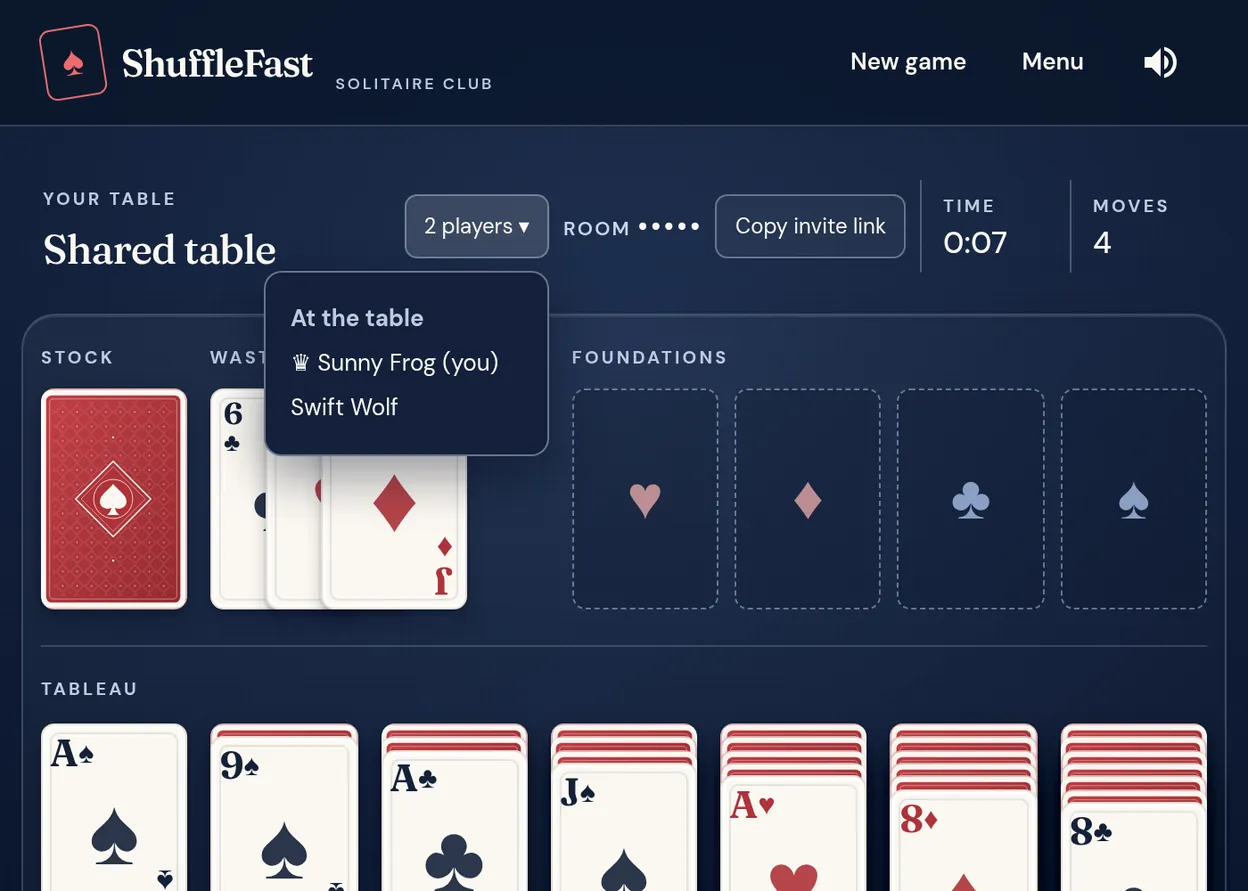
Anyone with the link can join, so share it only with people you want at the table.
Join with a room code
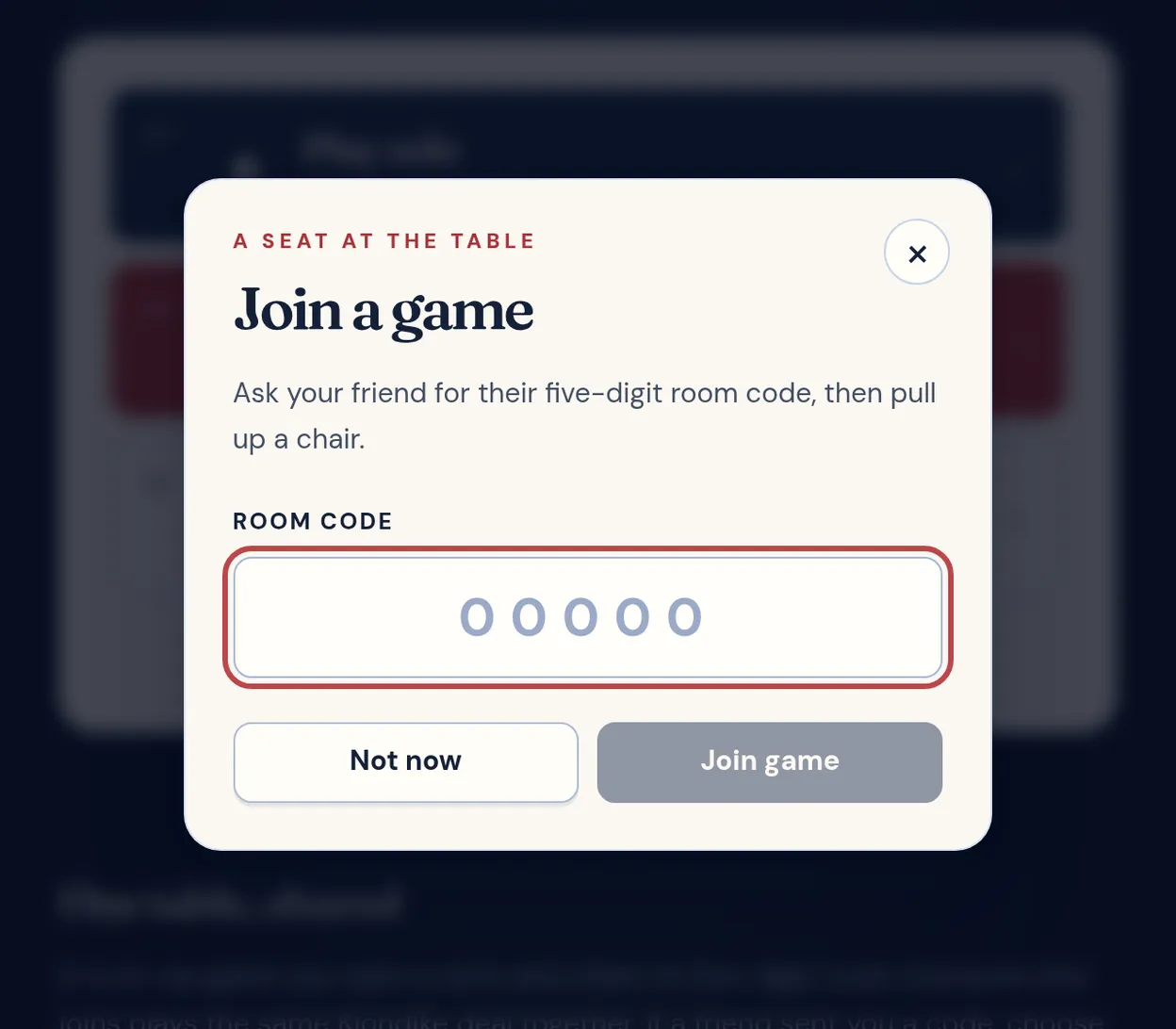
If a friend gave you a link, just open it. If they gave you a code, choose Join a friend on the home page, type the five digits and press Join game. You land straight in their game, in whatever state it is in.
You can only be in one room at a time. If you try to start a new room while you are in one, you will be asked whether to leave the current room first.
What is shared
- The board. Every legal move, from turning over stock cards to building foundations, is applied to the one shared game.
- The clock and the move count. They belong to the shared game, so everyone sees the same numbers.
- A new deal. Only the host can start a new game. It deals a fresh board to everyone in the room, and you are asked to confirm first because current progress is lost.
- The win. When the last card reaches a foundation, everyone at the table sees the finished game.
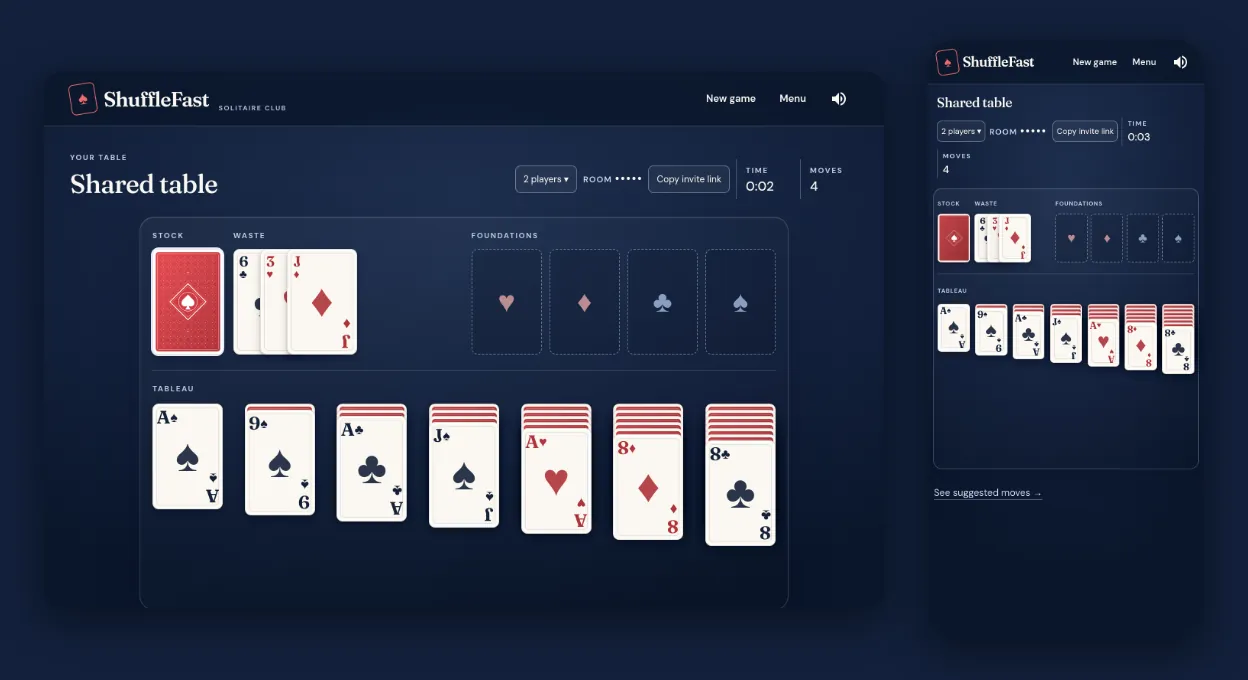
The rules are ordinary Klondike. The host picks draw one or draw three on the home page before starting the room, and everyone at the table plays that mode. The how to play guide covers them in full. You can also play co-op Spider solitaire, with one, two or four suits: the room then deals Spider for everyone who joins, or co-op FreeCell, which deals FreeCell for everyone.
When players leave or a room expires
- If someone leaves, the game carries on for everyone else. If the host leaves, another player at the table becomes host.
- A room stays open while anyone is in it. Once the last person leaves, it is kept for 90 seconds in case someone comes back. After that it is deleted.
- Rooms are held in the server's memory rather than saved to an account, so a closed or expired room cannot be reopened. Start a new one instead.
Once a move has been made, leaving a game in progress (using the Menu link, or closing the tab) asks you to confirm first. If the room is still open you can come back with the same link.
Phones, tablets and computers
You need a current web browser and an internet connection, and nothing to install. Cards are moved by dragging, so it works with a mouse or a finger, and players on different devices can share one room.
If something goes wrong
- “We couldn't find that room.” Check the five digits with your friend. If you were given a link that shows This table has closed, the room no longer exists, usually because everyone left and 90 seconds passed.
- A move was undone or the board refreshed. If a move can't be confirmed, for example because someone else moved at the same moment, your board is put back in step with the shared one and you can try again.
- The connection dropped. The game reconnects and rejoins your room on its own when it can. If it can't, open the room link again, or start a new room.
- “Only the room host can reset the game.” Ask the host to choose New game.
Ready to play?
A room takes a few seconds to set up, and nobody needs an account.